
Admins can create new clients from Clients, or during the Job Creation process.
Clients
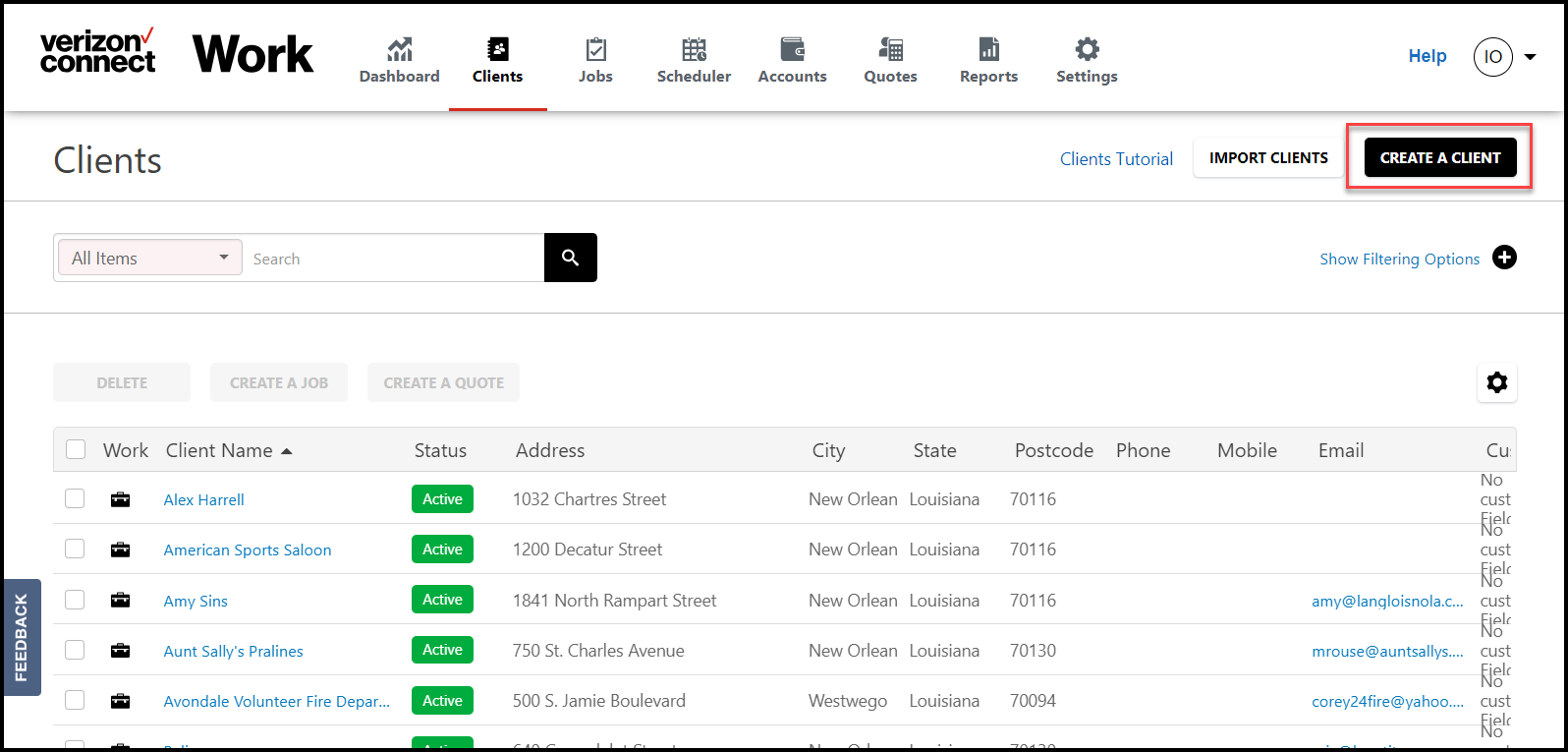
From Clients, select Create a Client.
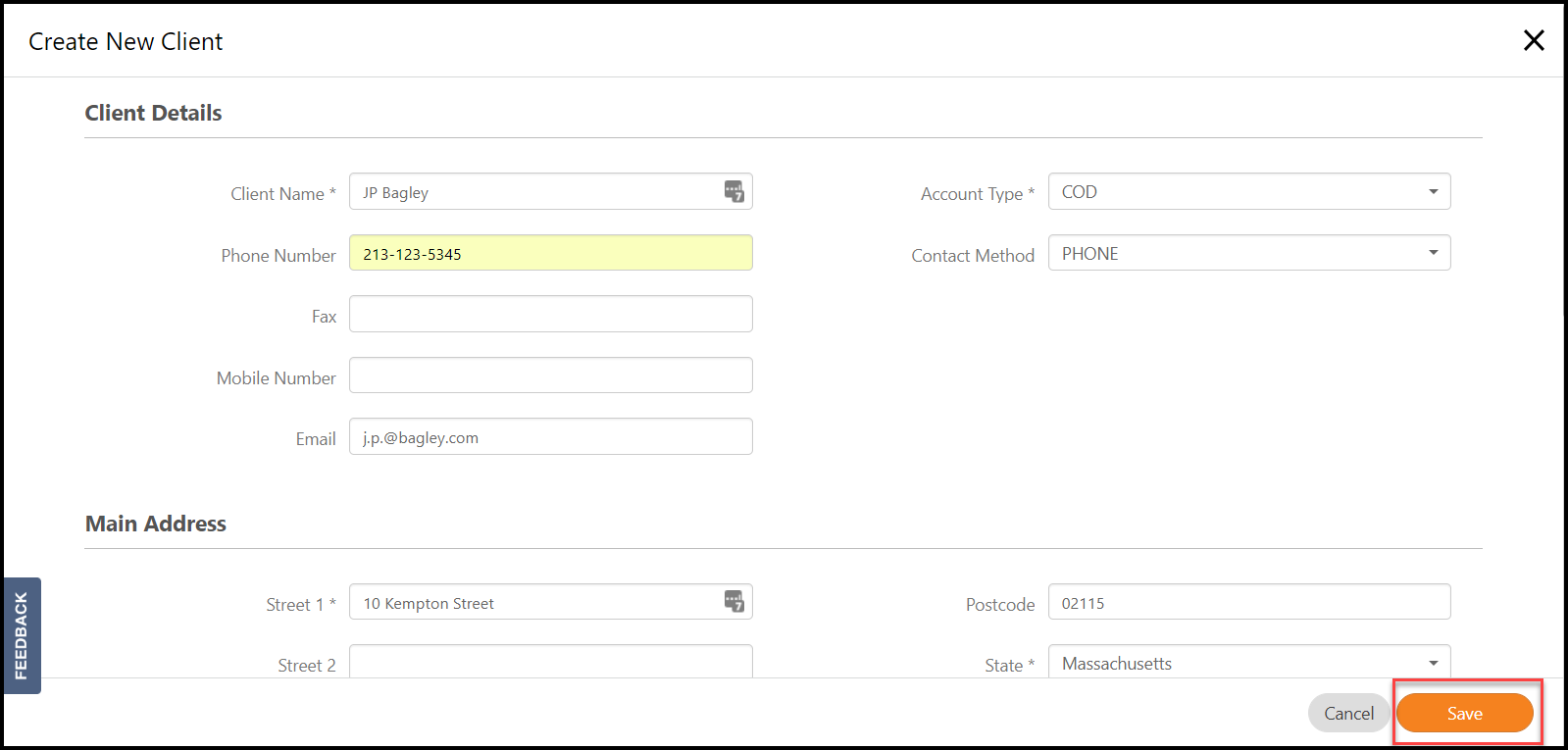
Fill in the information on the Client Record, and select Save.
*Note: You must fill out all fields marked with an asterisk before saving.
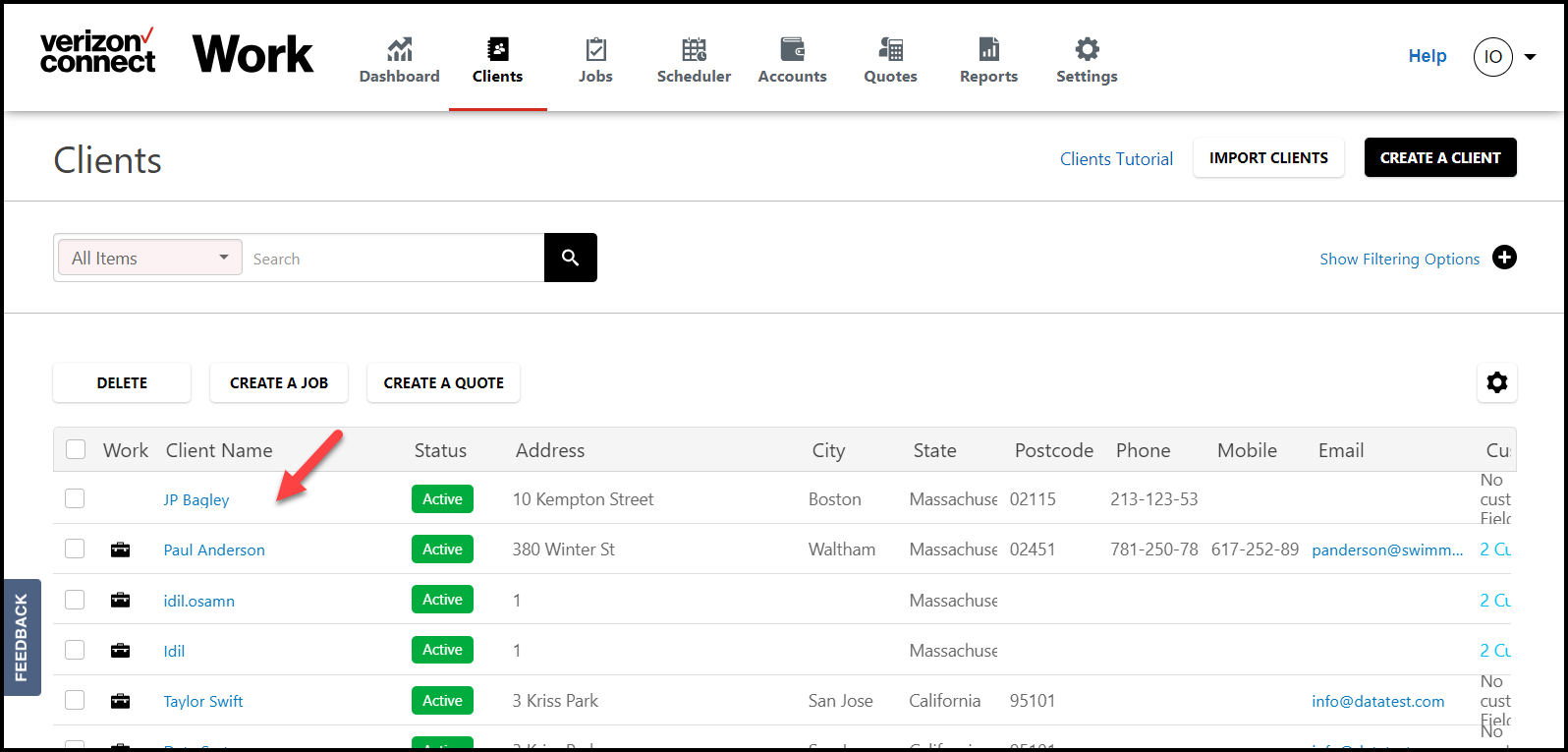
Clients that are saved will appear on the Client List.
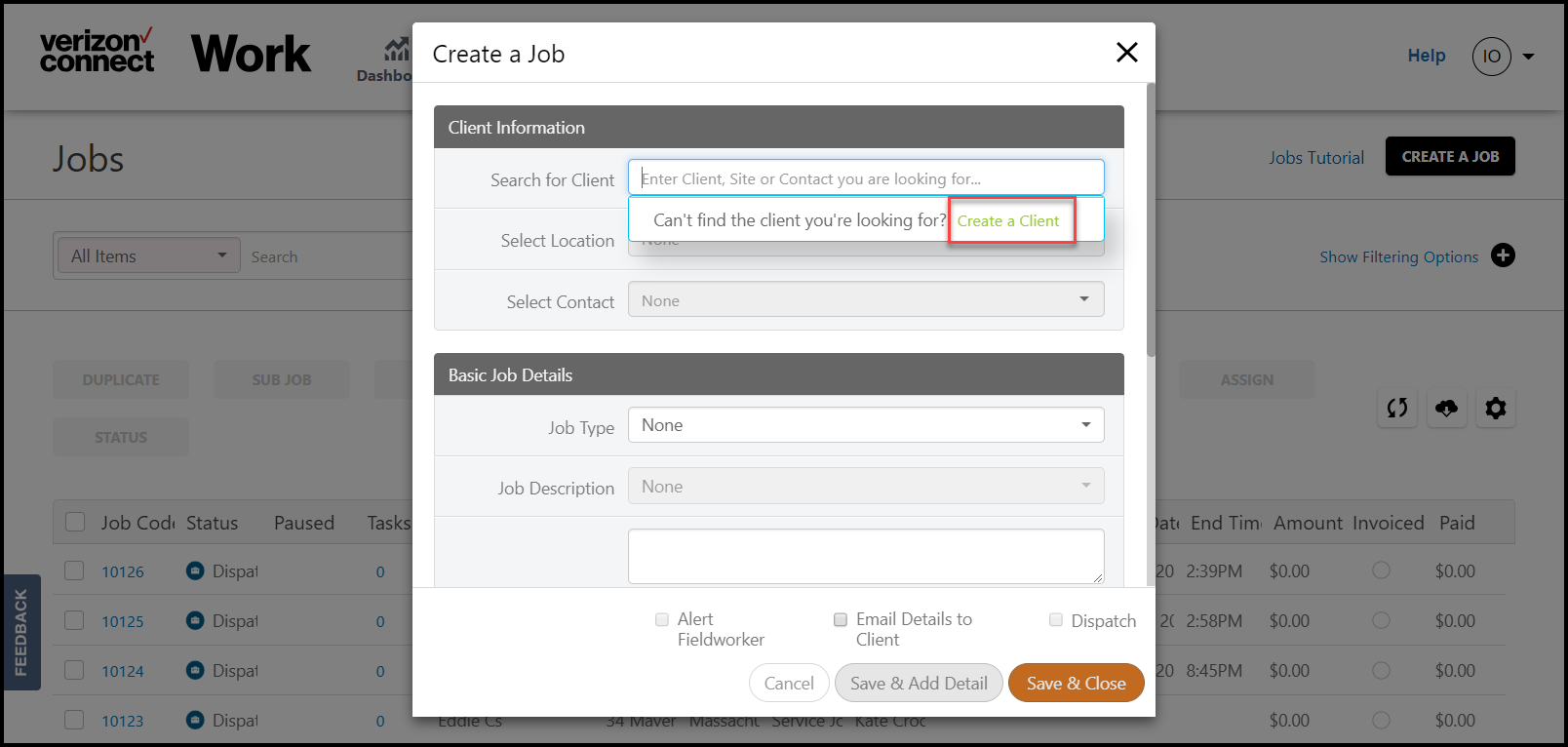
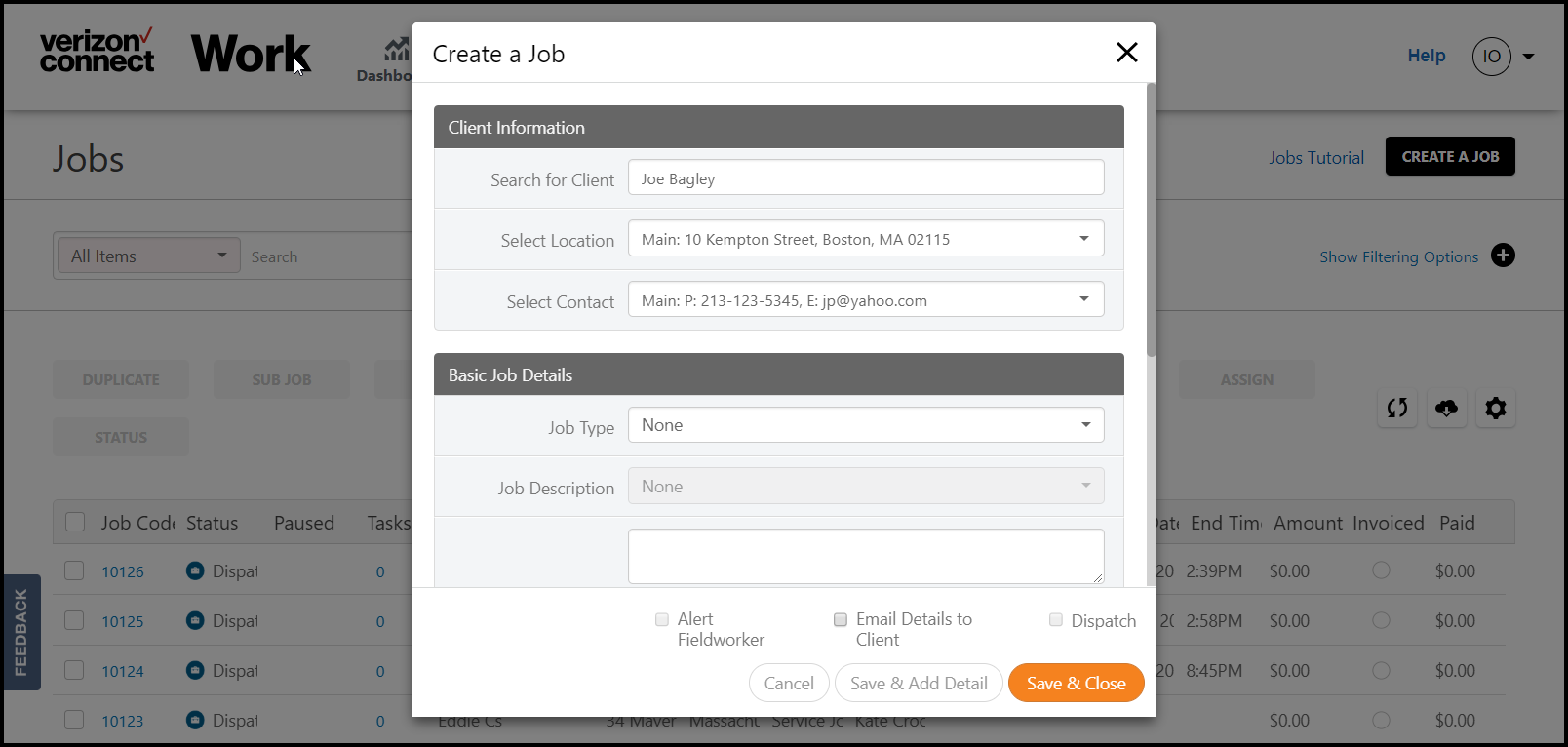
From Jobs, select Create a Job.
Select the Search for Client field, and select Create a Client.
Fill out the Client Record, and select Save.
*Note: You must fill out all fields marked with an asterisk before saving.
Client details will appear on the Create a Job window, allowing you to finish and create your Job.
Learn more about Jobs.
Comments
0 comments
Article is closed for comments.