
When creating an invoice from the field, Fieldworkers have the option to choose from the Billing items catalog as well as the ability to add a new Billing Item. This article will cover the steps to take to add a new Item to an invoice.
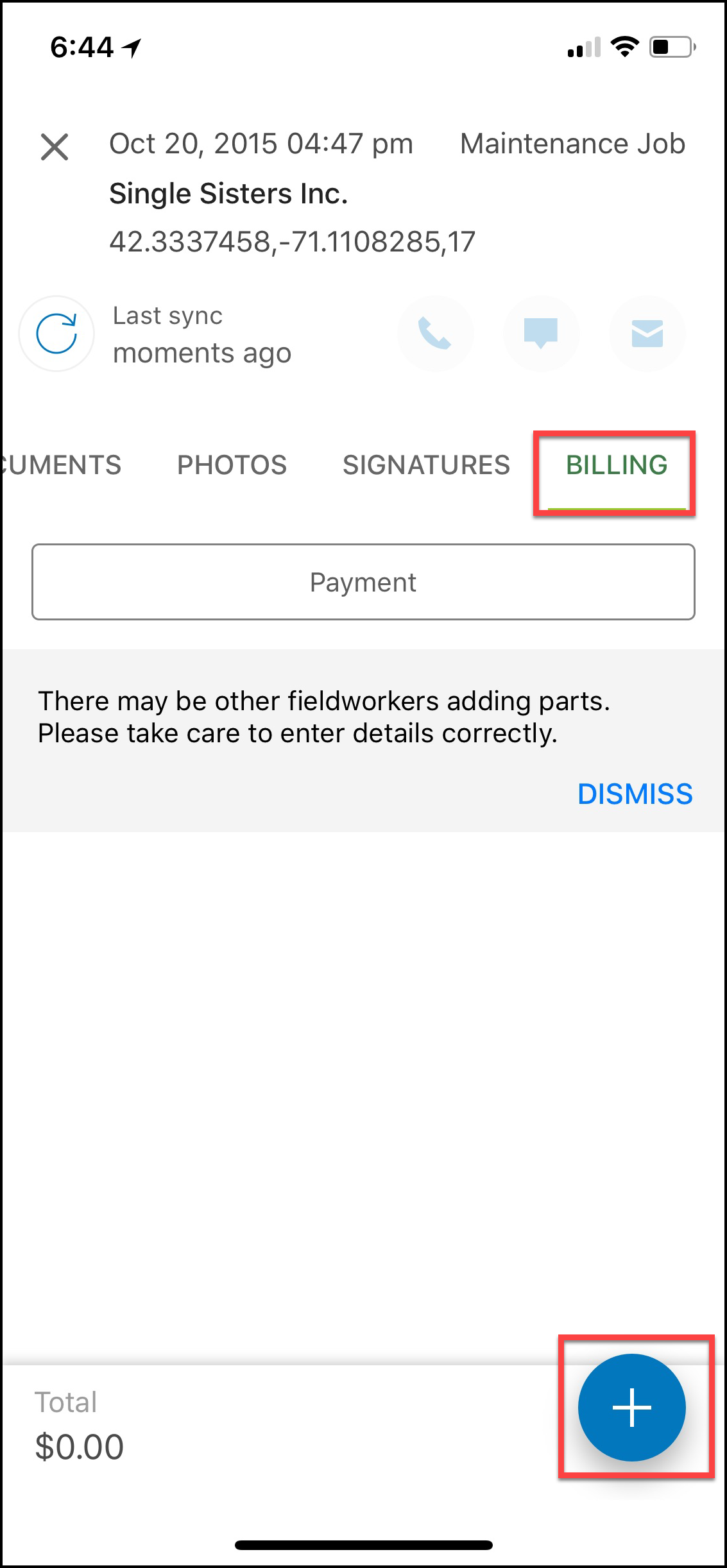
From Billing, select the plus sign to add a new Billing Item.
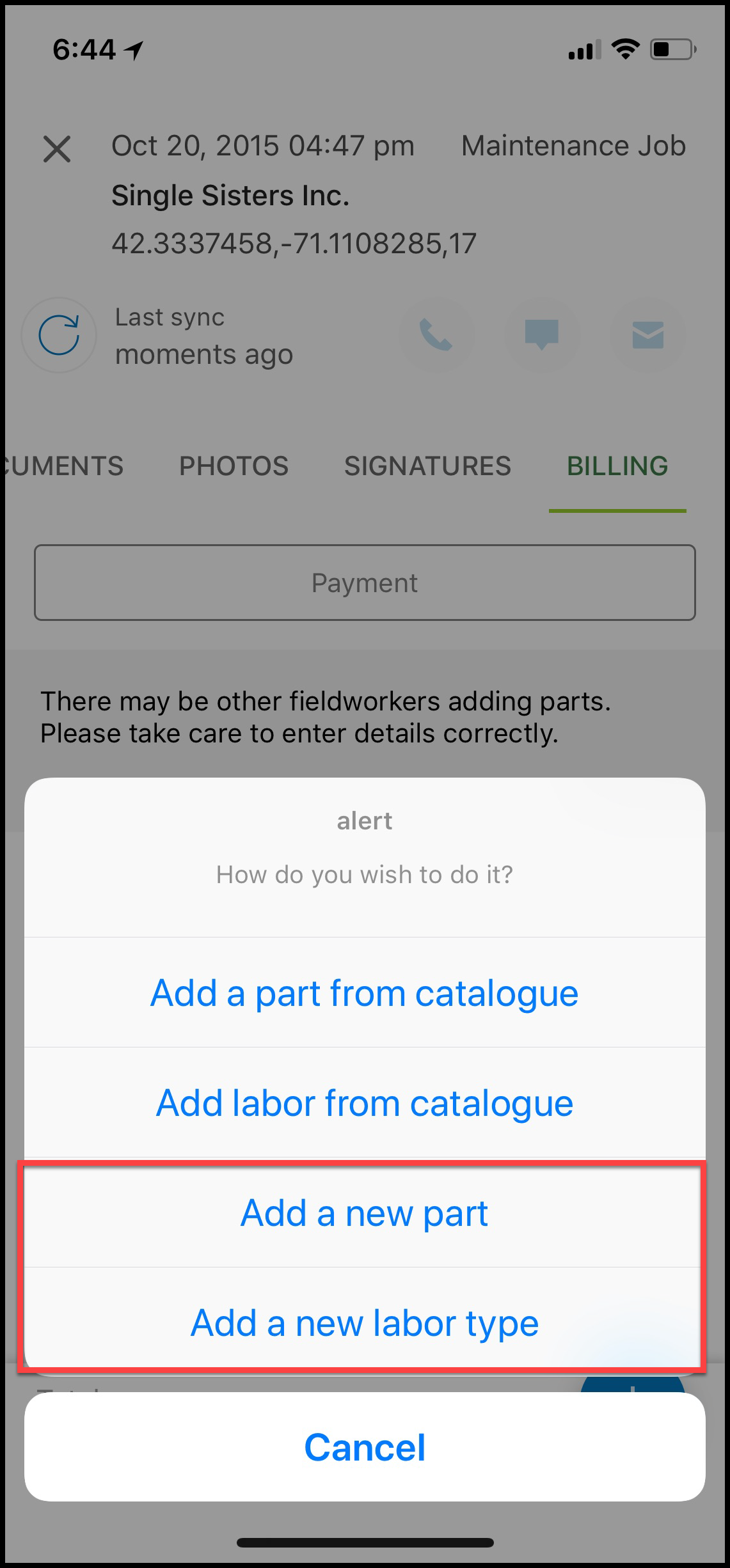
Select Add a new part or Add a new labor type.
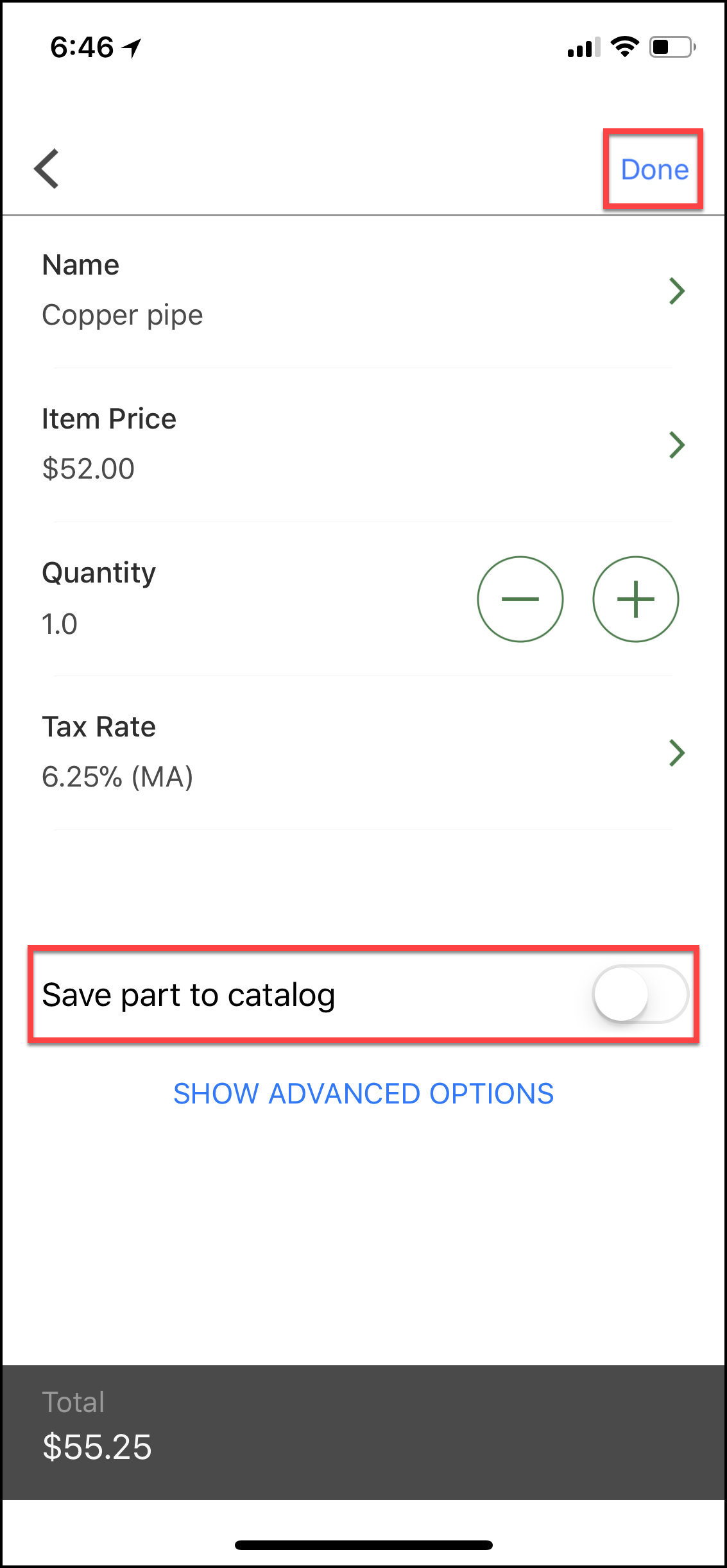
Fill in item details such as Name and Item Price, save for future use by selecting Save part to catalog and select Done.
Note: To add additional details like supplier cost, mark up% and item part no by selecting ‘SHOW ADVANCED OPTIONS’.
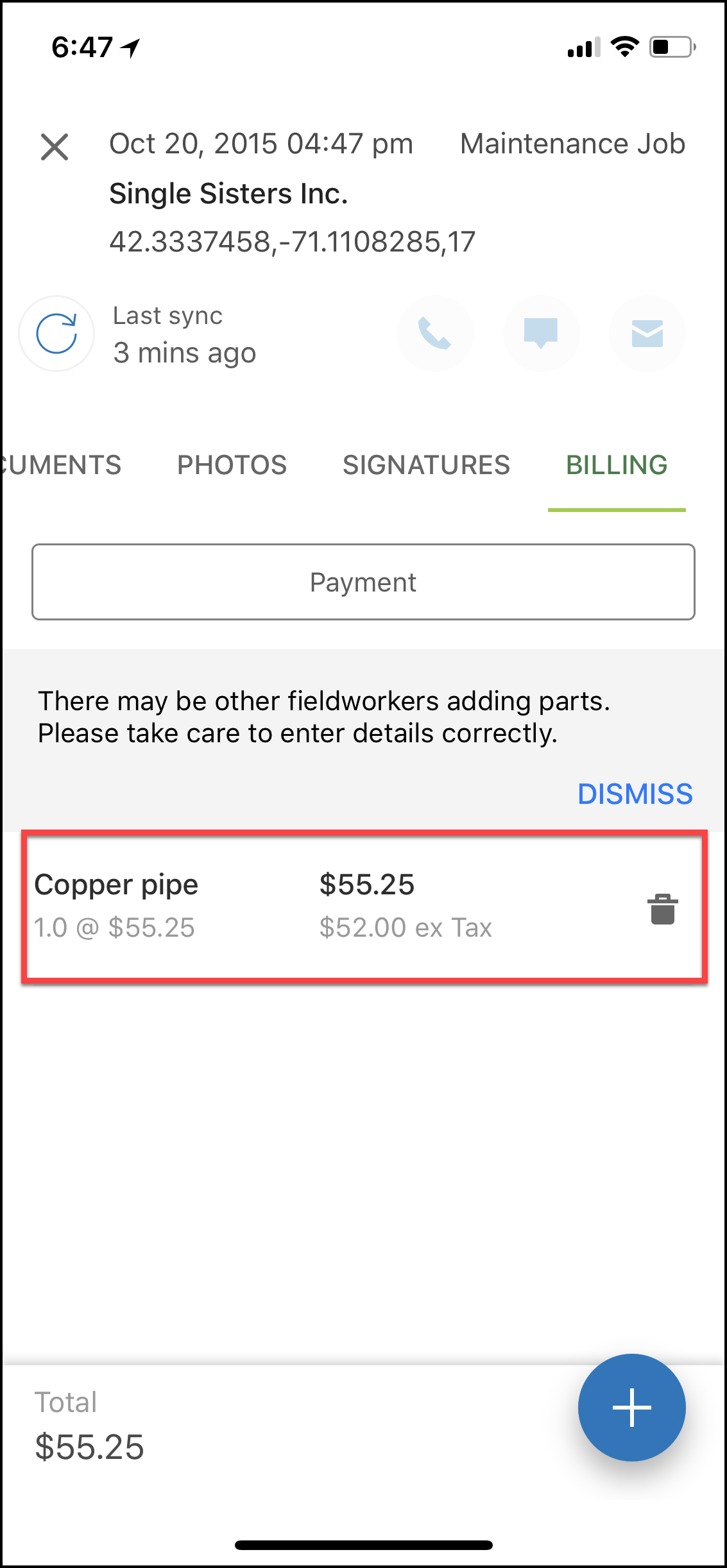
The billing item is now added to the invoice.
Comments
0 comments
Article is closed for comments.